Skip to content
The app

The app & how it works

FitApp is a mobile coaching platform with three panels — athlete, coach and gym — working on the same live data.
Install on iPhone

  1. Open this page in Safari on your iPhone.
  2. Tap Share, then choose Add to Home Screen.
  3. Tap Add, then launch Fit8 from its home-screen icon.

iOS installation uses the Safari menu. The browser does not allow automatic one-click installation.

VideoExercise demos
GuidesForm & flow tips
3 panelsAthlete · Coach · Gym
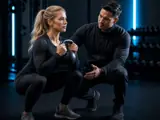
Athlete training with guided workout form
Clear workout guidanceSee every move before you start the set
Overview

What FitApp is

Instead of workouts in WhatsApp, meals in PDFs and progress in notebooks, FitApp keeps the full coaching loop inside one app.

1

Training

Weekly plans, session flow and exercise demos in one place.

2

Nutrition

Coach-assigned meals with simple daily logging.

3

Coaching

Direct chat and follow-up without leaving the plan.
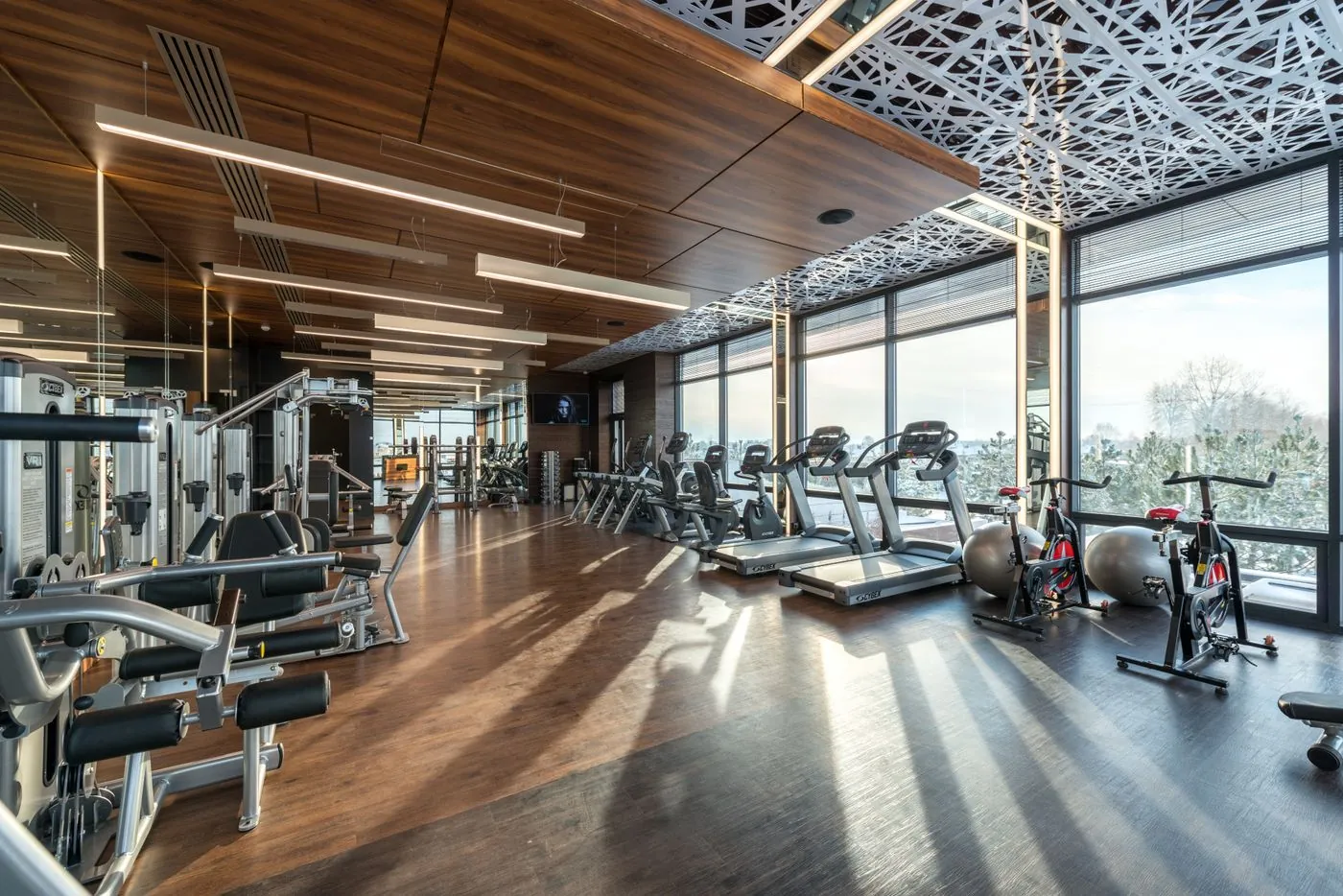
Modern gym interior
Inside the app

Real screens, not marketing mockups

Training, nutrition and coach chat exactly as your athletes see them on their phone.

For athletes

Learn every move without asking again and again.

Students no longer need to message the coach just to ask “how do I do this exercise?” Each movement is shown clearly with guidance inside the workout.

  • Watch the correct form before you start the set
  • Follow on-screen guidance for the movement and flow
  • Train with more confidence — less confusion mid-workout

Clear exercise display + coaching guidance means athletes understand what each move is and how to perform it.

Getting started

How to get started

Typical onboarding looks like this:

1

The gym or coach receives a FitApp workspace.

2

Coaches are added and membership tariffs are defined.

3

Students join, complete onboarding and receive workout + meal plans.

4

Everyone continues daily inside the app: train, log, message, review.

Roles

What each role can do

Athletes follow today’s plan. Coaches update programs and check adherence. Gym owners oversee coaches, tariffs and income.

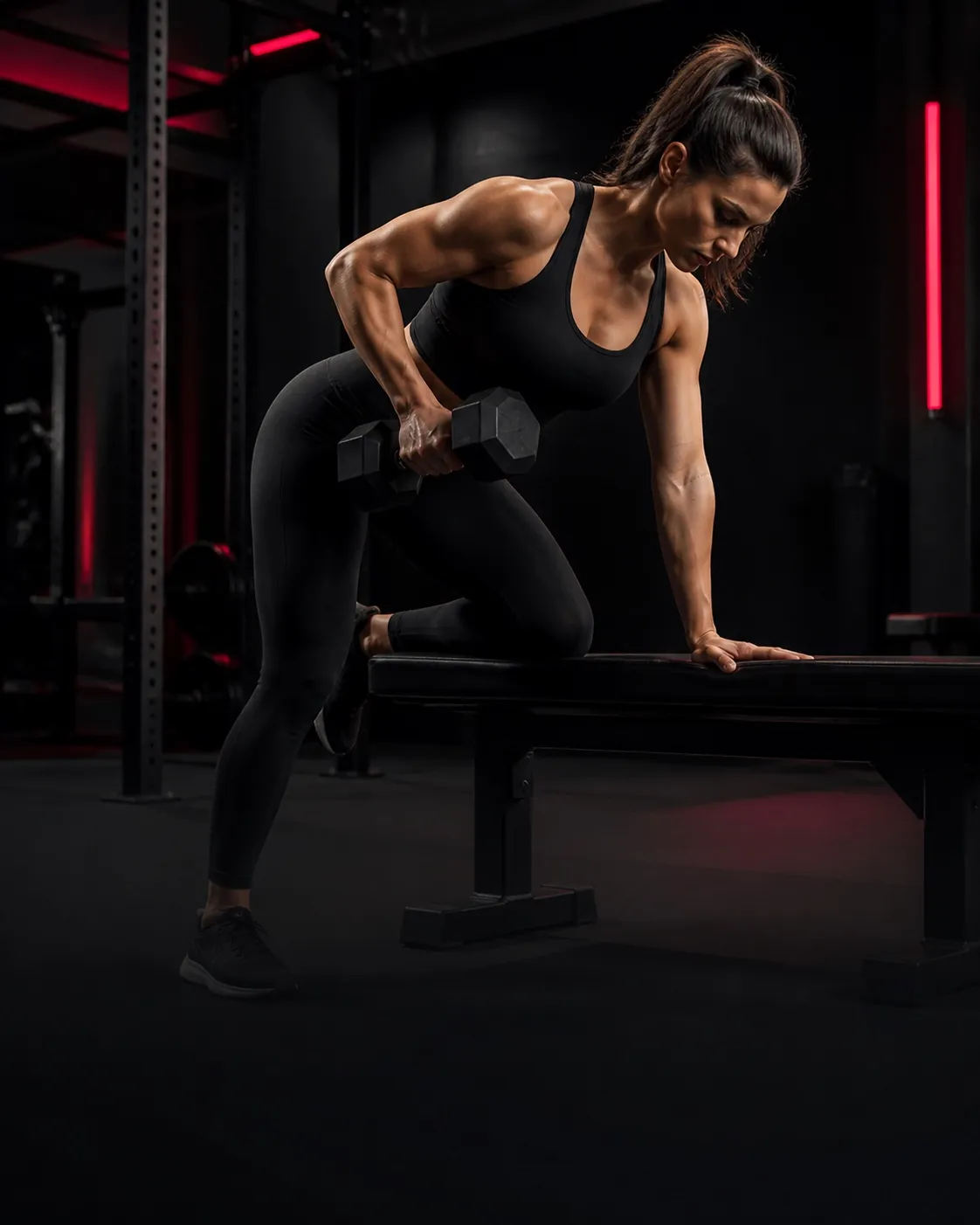
Athlete training with a barbell

Athlete panel

A personal dashboard focused on today.
  • Daily / weekly workout plans with clear exercise demos
  • See proper movement form and guidance — no need to keep asking the coach how each move works
  • Meal plans and meal logging
  • Sleep / rest logging
  • Progress charts and body metrics
  • Direct chat with the assigned coach
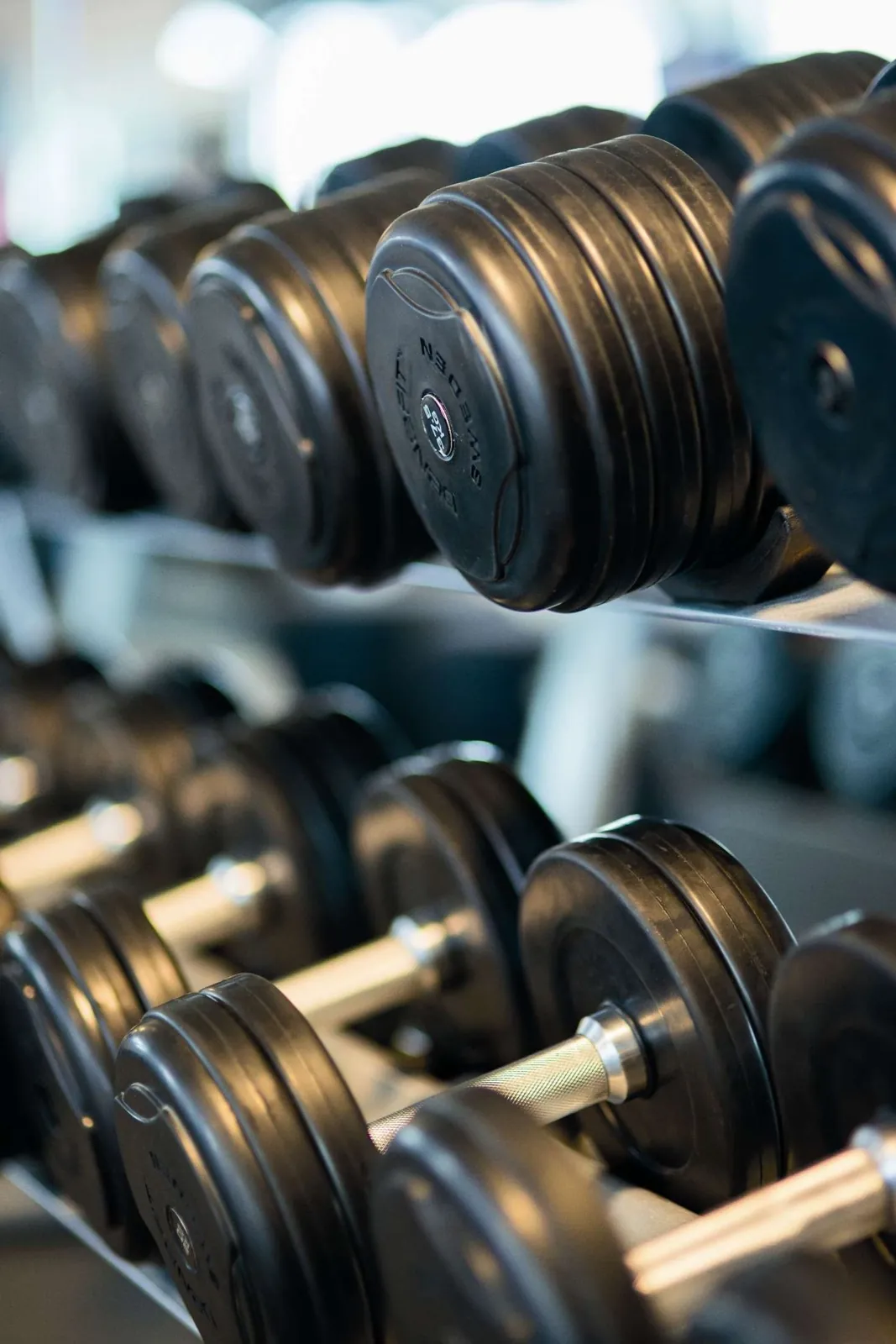
Dumbbell rack in a gym

Coach panel

Operate your student roster from one place.

  • Add and manage students
  • Edit weekly workout and meal plans
  • Track today’s activity and workout history
  • Message students in-app
  • Apply memberships and review payments
Gym floor with cardio equipment

Gym panel

Club-level control without micromanaging every chat.

  • Manage the coach team
  • Create membership tariffs
  • Review aggregated payments and revenue
  • Monitor platform billing for the club account
For every club

Personalised per gym

FitApp is delivered as a dedicated setup for each club:

1

Your own coach roster

2

Your membership plans and pricing

3

Studio / gym identity on coach profiles

4

Students connected to their assigned coach

Try it

Ready for a full walkthrough?

Open the app after login — or ask us for a live demo for your gym.

Install the app

Contact

Message us on Telegram or Instagram for a live demo or gym onboarding.